

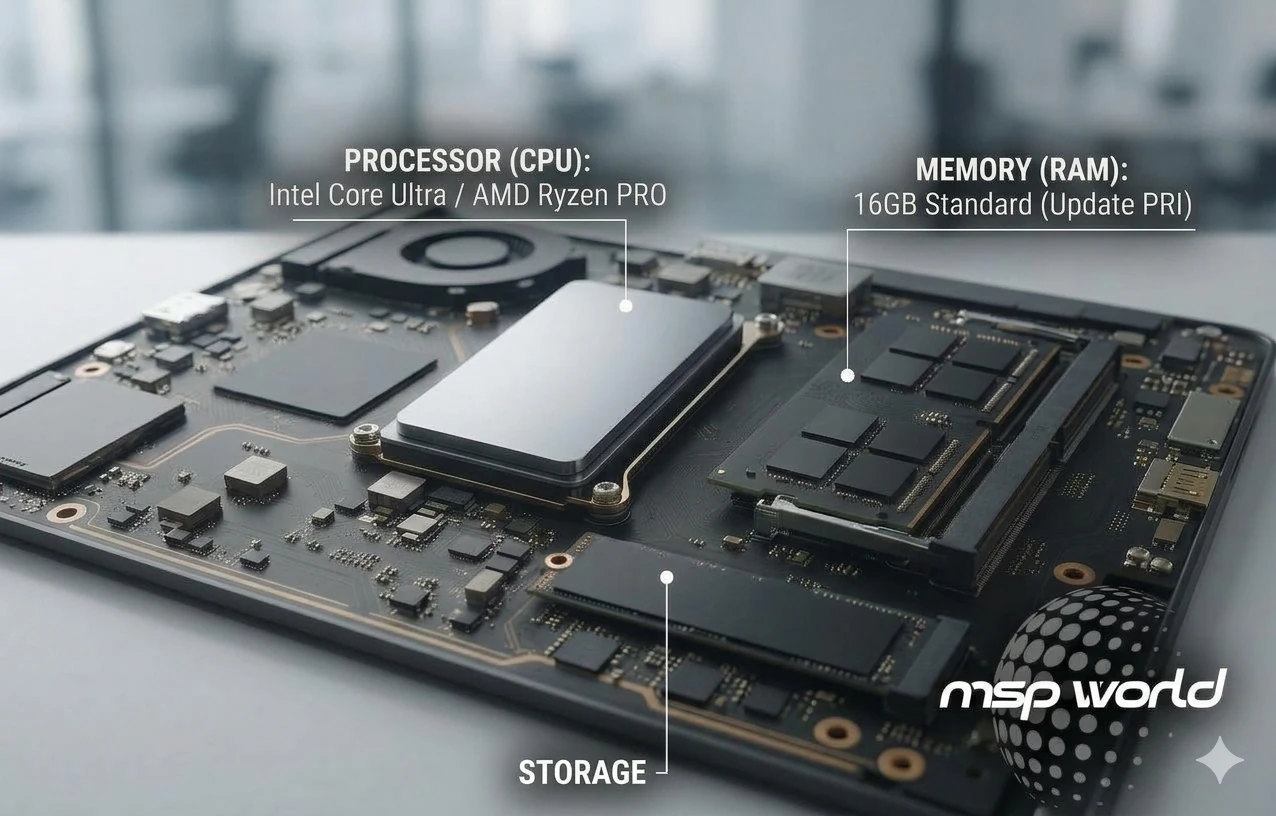

Spec sheets are full of jargon, and it’s easy to overspend on power you don’t need or underspend and end up with slow machines. This plain-English guide explains the specs that matter for business laptops. If you are choosing between specific manufacturers, check out our guide on HP vs Dell vs Lenovo for business.
Processor (CPU)
The processor sets the pace for everything your team does. Current business laptops use Intel Core Ultra or AMD Ryzen PRO chips. For everyday office work, a mid-range current-generation processor is plenty. Reserve higher-end chips for heavy spreadsheets, large data files, video editing or design.
Memory (RAM)
RAM is how much your laptop can juggle at once. Our baseline for most business users in 2026 is 16GB. Eight gigabytes can feel tight with many browser tabs, video calls and Microsoft 365 open together. Choose 32GB for data analysis, design or running virtual machines.
Storage
Always choose an SSD (ideally NVMe) over a traditional hard drive. SSDs are much faster to start up and open files. A 256GB drive suits cloud-first teams, while 512GB or 1TB is safer if staff keep large files locally.
Display and battery
A full HD screen suits most office work. Choose higher brightness and an anti-glare finish for people who work near windows or travel. Check real-world battery claims in reviews, as manufacturer figures are measured under light use.
Ports and connectivity
Look for USB-C or Thunderbolt for docking stations and external monitors, HDMI for projectors, and Wi-Fi 6 or newer. Sales teams may also want mobile data options.
Security features
Business laptops should include a TPM 2.0 chip, which Windows 11 requires, along with a fingerprint reader or face login and a privacy shutter or privacy screen where staff work in public spaces.
Quick recommendations by role
| Role | RAM | Storage | Notes |
| Admin and general office | 16GB | 256GB to 512GB SSD | Lightweight, reliable |
| Sales and travel | 16GB | 512GB SSD | Long battery, good webcam |
| Finance and analysts | 16GB to 32GB | 512GB to 1TB SSD | Faster CPU, larger screen |
| Design and engineering | 32GB or more | 1TB SSD | Dedicated graphics |
Need help choosing?
Our team can match specs to roles and budgets. Review our foundational ultimate business laptop buying guide. Browse laptops by spec or ask us for advice.
Frequently asked questions
How much RAM does a business laptop need? 16GB is a sensible baseline for most business use in 2026, with 32GB for heavy data, design or virtualization work.
Is an SSD better than a hard drive for business laptops? Yes. SSDs are far faster and more durable because they have no moving parts, which improves productivity and reduces failures.
