

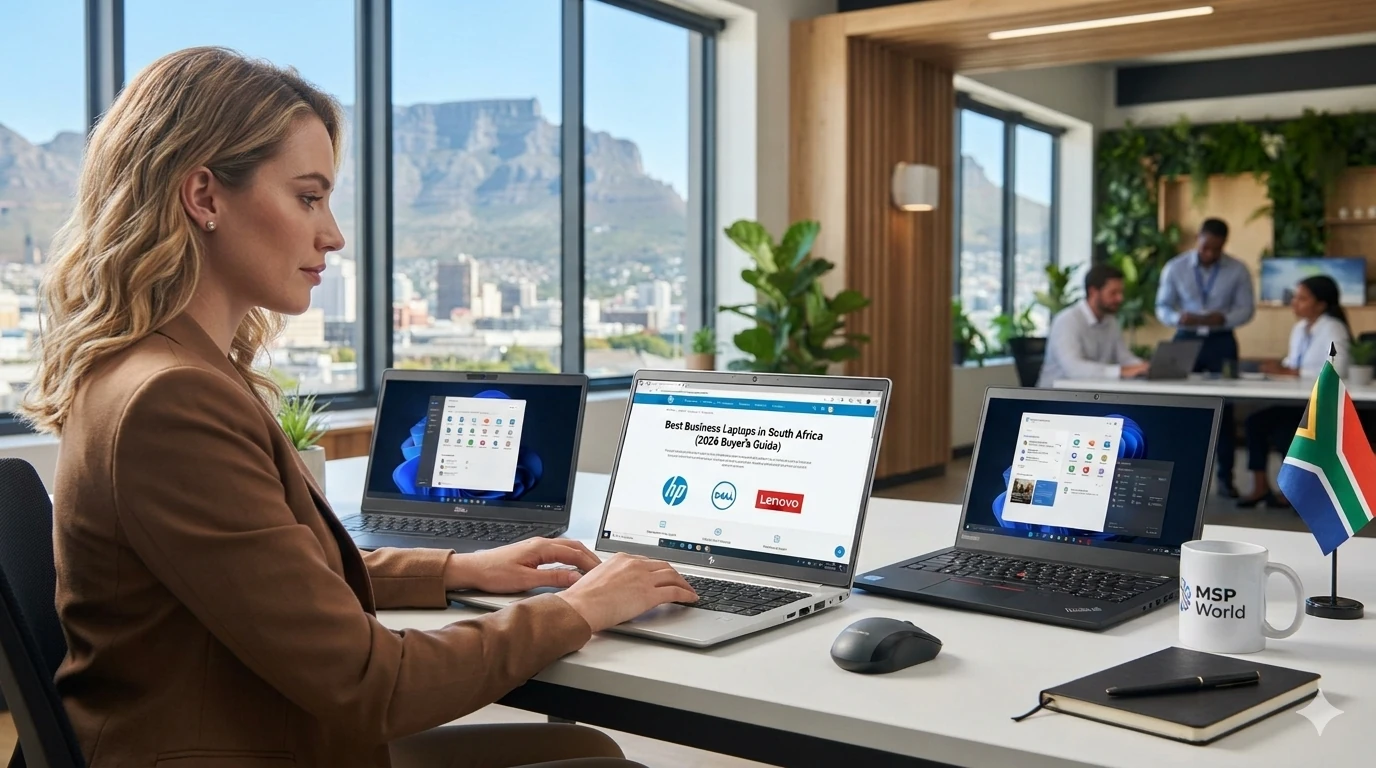

- Buying a laptop for your business is not the same as buying one for home. Your team needs machines that survive daily travel, protect company data and come with warranty support when something goes wrong. This guide explains what to look for and how the HP, Dell and Lenovo business ranges compare, so you can buy with confidence.
What makes a laptop “business-grade”?
Business and consumer laptops can look alike, but business models are built differently:
- Durability: tougher chassis, spill-resistant keyboards and hinges designed for years of daily use on many models.
- Security: TPM chips, fingerprint or face login, and support for encryption and remote management.
- Manageability: easier for IT teams to deploy, update and support across a whole fleet.
- Warranty and service: business-focused warranty options that cut downtime when a device fails.
Match the laptop to the role
- Admin and office staff: a light, reliable laptop with 16GB of RAM and a 256GB to 512GB SSD.
- Sales and field teams: low weight, long battery life, a good webcam and, where needed, mobile data connectivity.
- Finance and data-heavy roles: a faster processor, 16GB to 32GB of RAM and a larger screen.
- Design, engineering and CAD: workstation-class laptops with dedicated graphics.
The main business ranges
- HP EliteBook and ProBook: premium EliteBook models focus on design and built-in security, while ProBook suits growing businesses that want solid value.
- Dell Latitude and the newer Dell Pro range: well known for configurability and easy fleet deployment.
- Lenovo ThinkPad and ThinkBook: ThinkPad is known for its keyboards and durability testing, and ThinkBook targets small and medium businesses.
Model names change regularly, so always check the current spec sheet on the product page.
A quick buying checklist
- A current-generation processor (Intel Core Ultra or AMD Ryzen PRO).
- At least 16GB of RAM for most staff.
- SSD storage, not a hard drive.
- Realistic battery life for a full working day.
- Windows 11 Pro for business management features.
- The right ports: USB-C or Thunderbolt, HDMI and a headphone jack.
- A warranty and support option that matches how critical the device is.
Buying for a team? Standardise
Choosing one model for a whole team makes support, spares and accessories far simpler. If you’re unsure which to pick, speak to us before you order.
Ready to buy?
Browse HP, Dell and Lenovo business laptops at MSP World, order online and get support from the same team after the sale. Shop business laptops or contact us for a recommendation.
Frequently asked questions
What is the best laptop for a small business? The best choice is a business-grade laptop with 16GB of RAM, an SSD and a warranty that suits how much you rely on it. Models from HP EliteBook and ProBook, Dell and Lenovo ThinkPad and ThinkBook all fit.
Should I buy business or consumer laptops for my team? Business laptops generally offer better durability, security features and warranty options, which lowers the total cost of ownership over several years.
