

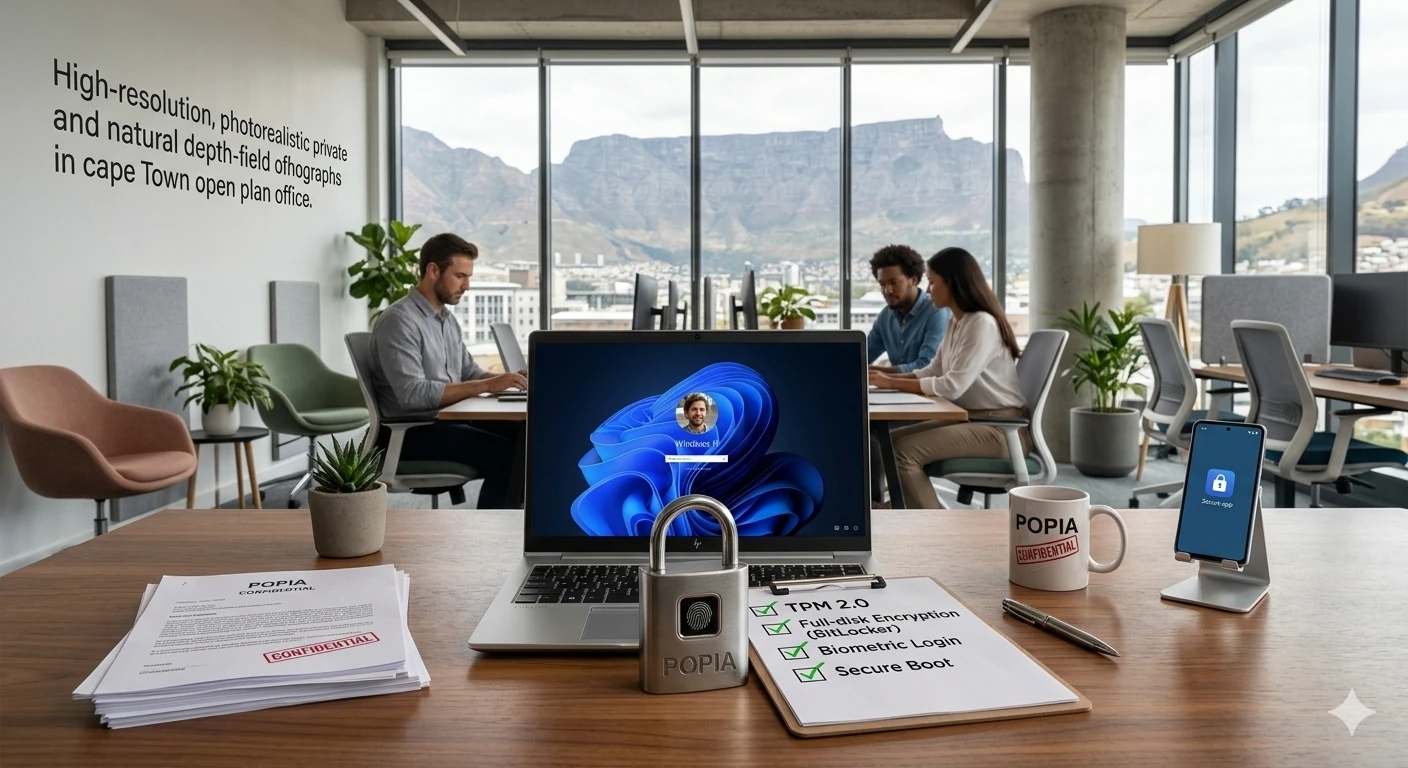

The Protection of Personal Information Act (POPIA) requires businesses to protect the personal information they hold about customers, staff and suppliers. Your laptops and desktops are where much of that information lives, so the hardware you choose and how you set it up both matter.
This article is general information, not legal advice. Speak to a legal professional about your specific obligations.
What POPIA expects
POPIA requires organisations to take appropriate technical and organisational measures to protect personal information from loss, damage and unauthorised access. It also requires you to notify the Information Regulator and affected people if personal information is compromised.
Hardware features that help
- TPM 2.0 chip: stores encryption keys securely and is required by Windows 11. If you need help understanding laptop specifications, you can read our plain-English breakdown.
- Full-disk encryption: BitLocker on Windows 11 Pro keeps data unreadable if a laptop is lost or stolen. Most premium ranges of secure corporate laptops have this functionality enabled by default.
- Biometric login: fingerprint or face recognition reduces weak and shared passwords.
- Secure Boot: helps block malicious software from loading at startup.
- Privacy shutters and privacy screens: useful for staff who work in public places.
- Lock slots: a simple physical deterrent for shared offices.
Good practice around the hardware
- Turn on multi-factor authentication for email and key apps.
- Keep devices patched and replace anything that no longer receives updates.
- Encrypt every laptop that leaves the office.
- Back up important data and test restores.
- Wipe old devices securely before they are sold, recycled or passed on.
- Have a plan for lost or stolen devices, including remote lock or wipe. This is typically managed centrally via an outsourced managed IT support company.
The old-hardware problem
Computers that can’t run a supported operating system are a compliance risk, because they no longer receive security fixes. See our guide to the Windows 10 end of support and PC refresh.
Get secure devices and the right setup
MSP World supplies HP, Dell and Lenovo business devices with modern security features, and our support team can help configure encryption, updates and backups. Shop secure business laptops or talk to our support team.
Frequently asked questions
Does POPIA apply to small businesses? Yes. POPIA applies to any organisation that processes personal information, regardless of size.
What laptop features help protect business data? A TPM chip, disk encryption, biometric login and Secure Boot are the main hardware-level protections.
